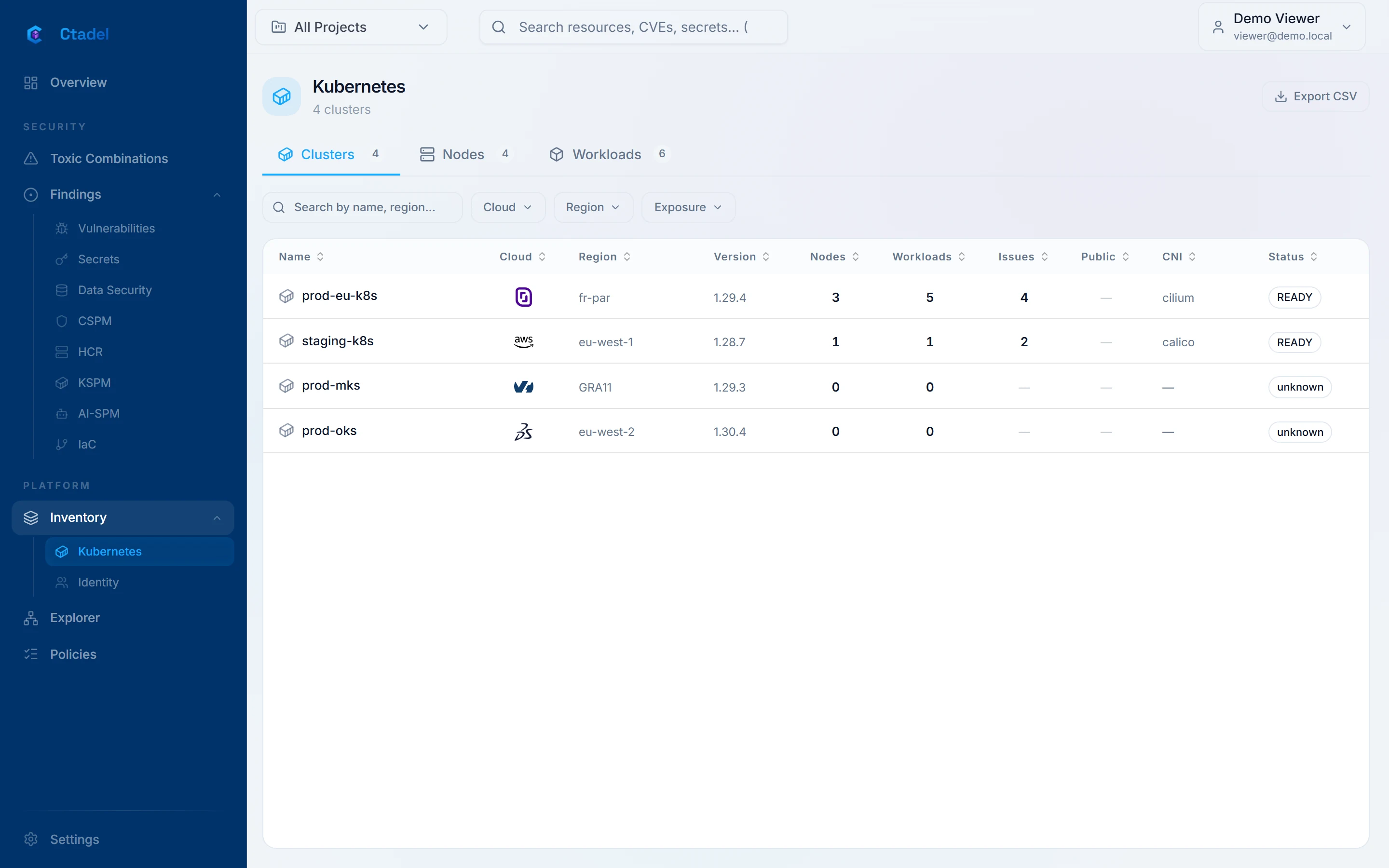
The cluster is discovered during the AWS account inventory. By default, the CloudFormation template of the Ctadel role allows creating an access entry associated with the cluster admin policy. The recommended path is to disable that option and grant read access yourself with the ctadel-scanner role the application gives you (get and list only), on the cluster in “Configuration required” state.
What is read
Workloads, service accounts, RBAC, network policies, secrets and configmaps, nodes and images. Running images are analysed for vulnerabilities. The cluster enters the same graph as the cloud account hosting it: a privileged pod on a node reachable from the internet becomes a link of an attack path.
Privileged container or container running as root
API server exposed without address restriction
Service account with a cluster-admin role
Running image with a known exploited vulnerability
See it on your accounts
The online demonstration is open to all, on fictitious data. For an instance on your own accounts, request a demonstration.